
For insurance agencies
CRM for insurance agents,from the form on the phone to the file in the office
Mslahtk builds insurance agencies a system for their paperwork. The customer gets a personal link on WhatsApp, fills in an insured declaration, a claim report or a home insurance request on the phone, attaches photos and signs with a finger where needed. Each form lands in a staff-only back office and can open a lead in the CRM. A home insurance case runs from an estimate to a signed answer.
The problem
What gets lost between WhatsApp, email and the printer
Three things every agency knows, and what happens to them in the file.
- 1.1
Photos of the damage, receipts and repair quotes arrive in pieces, across several chats, and someone has to chase them and gather them into a file.
In the fileOne claim link collects the incident details and every file into a single record.
- 1.2
A declaration that needs a signature means a meeting at the office, or a customer hunting for a printer and a scanner.
In the fileThe customer fills it in on the phone and signs with a finger on the screen.
- 1.3
One wrong detail, and the customer fills in the whole form again. Then the same details get typed again for the offer.
In the fileOnly the wrong field opens for a fix, and each step of a home case arrives filled in from the one before.
The forms
The agency’s forms, built for the customer’s phone
Five digital forms, each one built like the paper form the agency already knows. Four open for the customer through a link, and one, the offer, is filled in by staff only.
- Form 1Car insurance
Insured declaration: new policy or renewal
- Vehicle, cover (comprehensive, third party or compulsory), licensed drivers, add-ons, deductible and liability limits
- Three years of insurance and claims history, and 8 confirmations the customer ticks one by one
- Photos of the vehicle license and ID, and a finger-drawn signature
The agency can pre-fill the name, phone, plate and policy number in the link.
Opens from a personal linkFinger-drawn signature - Form 2Claim
Insurance claim report
- Policy details and line of insurance: car, home, business, health, life or other
- What happened, and whether the police were told, with a reference number
- Photos of the damage, receipts and repair quotes, and other documents
Reaches the customer through the agency’s link. It is not in the site menus or on Google.
Opens from a personal link - Form 3Home insurance
Home insurance request
- The property, the cover wanted, sums insured and mortgage
- Insurance and claims history, and what matters to the customer: earthquake, water damage, jewelry, extras
- Permission for a Har HaBituach check if the customer agrees, and a signature
Coming from the calculator, what was already entered moves into the request. Nothing is typed twice.
From the site’s calculator or a linkFinger-drawn signature - Form 4Staff only
The agency’s offer
- Opens with the customer’s request beside it
- Sums insured, premium, 3 payments, deductibles and policy period, already filled in
- A place for the result of the Har HaBituach check
Saving again keeps the earlier version in the file.
Filled in by staff only - Form 5By link only
The customer’s answer to the offer
- Insurer, premium and start date are locked in the link
- The customer approves, asks for a change or a clarification, or declines
- And signs with a finger
The link works for two weeks. An expired link says so and offers a phone call.
Opens from a personal linkFinger-drawn signature
And in the fine print: what happens on the phone
- 1Typed answers survive an accidental refresh in the same tab. Files need to be attached again.
- 2Photos are shrunk before upload, and iPhone photos and PDFs are accepted.
- 3Up to 6 files per question and 8 MB per file.
- 4Follow-up questions appear only when they apply.
- 5A wrong Israeli ID number is caught on the spot.
- 6The signature pad works with a finger, a pen or a mouse.
Home insurance
A home insurance case, from a first estimate to a signed answer
Home insurance runs as one full cycle in four steps. Each step arrives filled in from the one before, and staff see the whole case on one screen, with the stage it is at.
A first estimate on the site
The customer gets an estimate of the yearly premium on the site within a minute, without giving any personal details: a breakdown, the deductibles and what the policy includes. It says clearly that this is an estimate, not an offer, and when a case cannot be priced automatically it says it is up to the underwriter.
A request that arrives filled in
From the estimate the customer moves on to the request, and everything already entered comes along. They add the property details, cover, mortgage and history, give permission for a Har HaBituach check if they want, and sign.
An offer written beside the request
The agent opens the offer with the customer’s request next to it. Sums insured, premium, 3 payments and deductibles are already filled in from the request and the calculator; the agent edits and saves.
A signed answer through a locked link
The customer gets a link on WhatsApp in which the insurer, premium and start date are locked. They approve, ask for a change or decline, and sign. The link works for two weeks, and the case records when it was created.
On the staff side, the whole case is one lead in the CRM: saving the offer moves it to “In progress”, and the customer’s answer moves it to “Closed”, keeps it “In progress” or moves it to “Not proceeding”.
The calculator is built on the rating sheet the agency works with, and was checked against it on 45 test cases. The result stays an estimate, subject to underwriting.
A working day
What a normal working day looks like in the office
One routing slip, from the link that went out to the last fix.
Routing slip · customer form
No. 0417
- 01
Send a form in one click
Type a name and a phone number and press “Send on WhatsApp”. Your own WhatsApp opens with a ready message and a personal link, and you press send. You can also copy the link.
Staff - 02
The customer fills it in on the phone
Answers, attaches photos and documents, and signs where needed. Required fields and the ID number are checked before sending, and again on the server.
Customer - 03
Open the file
The form lands in “Forms received” with the name, form type, phone, number of documents and status. Inside the record the answers keep the form’s layout, photos are previewed and the signature sits beside its field.
Staff - 04
Ask for a fix, not a new form
Every answer starts locked. Unlock only what needs fixing and send it again; the corrected form comes back as an update linked to the original.
Staff
Privacy
The file stays with you, and opens for staff only
What happens behind the scenes, in plain words.
A database of your own
Forms and answers are kept in the agency’s own database, not in an email inbox and not inside Mslahtk.
Private document storage
Documents and signatures sit in private storage, and nothing there is public. A signed-in staff member opens a file through a link that expires after five minutes.
A back office for staff only
Only signed-in staff can see records. The public forms have a spam trap and a limit of 6 sends per 10 minutes from the same connection.
What you lock stays locked
An answer the agency locked cannot be changed, even by editing the link, because the server checks it. The calculator’s estimate is also recalculated on the server, never taken from the browser.
A form does not get lost
Saving the record, storing the documents and opening the lead are separate steps. The customer is told the send failed only if none of them captured the form, and a lead opened late links back to the record by itself.
A link to the CRM
Each form can open a lead in the CRM with the answers on it, and each record links to its lead in one click. The documents themselves stay in the agency’s storage and are not copied.
In the field
This system was built for a real insurance agency in the Western Galilee
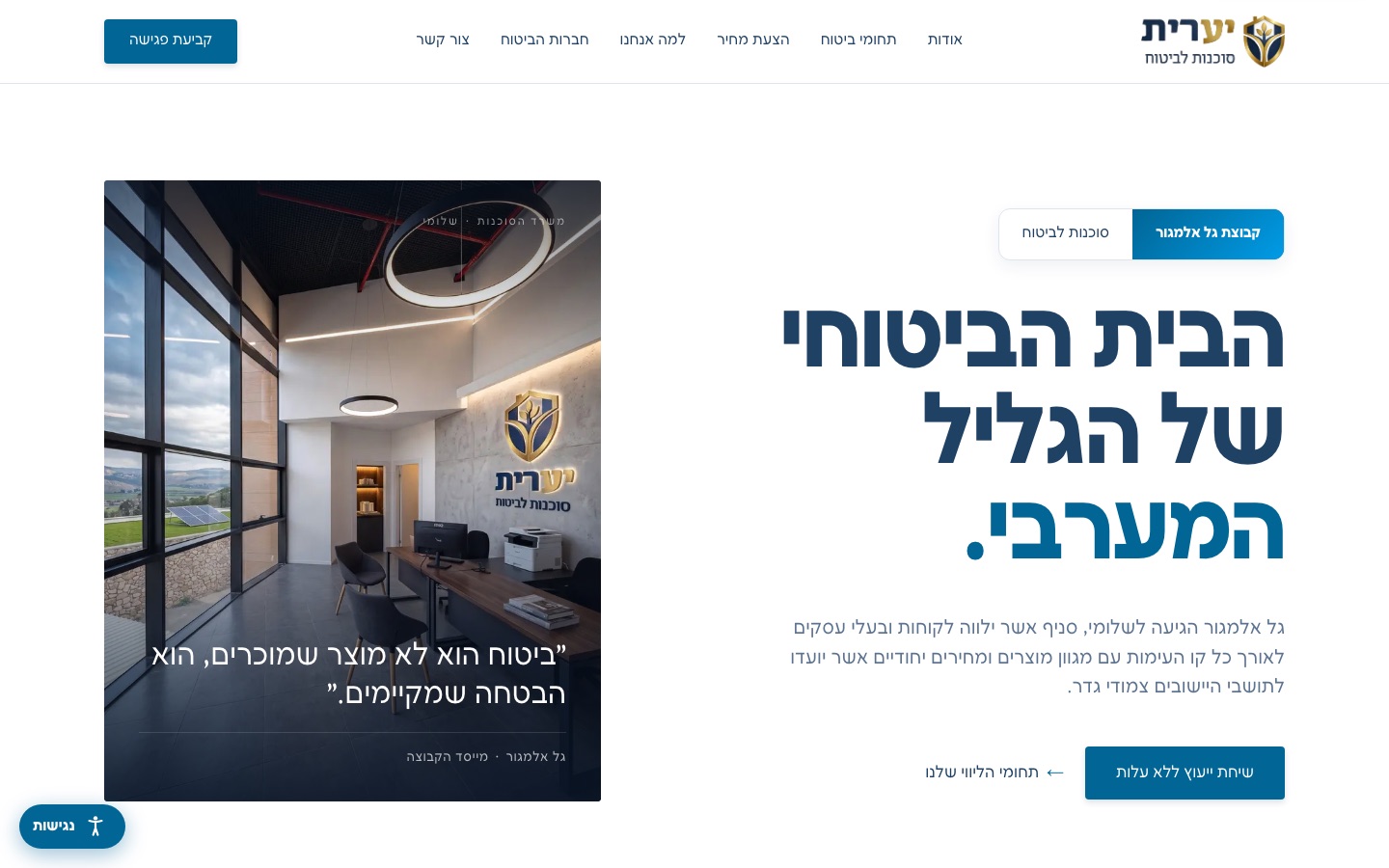
Gal Almagor Yaarit
Insurance agency in Shlomi, Western Galilee · part of the Gal Almagor group
We built the agency a Hebrew site on its own domain, and behind it the forms system on this page: the car insured declaration, the claim report, a full home insurance case and a staff back office. Forms and documents are kept in the agency’s own database and storage.
- A site with a page for each of six insurance lines
- A home insurance estimate calculator, open to anyone visiting the site
- A four-step home case, up to a signed answer through a locked link
- Its own database and private document storage
What is included
The schedule: what the system covers, and the exclusions
System schedule
- System
- Insurance agency system
- Plan
- Custom
Covered
- Digital forms built on the agency’s own forms, with document upload and a finger-drawn signature
- A home insurance case: calculator, request, offer and signed answer, in four steps
- A staff back office: everything received, one-click sending on WhatsApp and resending for a fix
- A database of your own and private document storage
- A link to the CRM: each form can open a lead with its answers
- A site for the agency on its own domain, with a page per insurance line
- Guard rails behind the scenes: a spam trap, and locked answers checked on the server
Exclusions
- No link to insurance companies: it does not issue policies, file claims with the insurer or fetch automatic quotes. The Har HaBituach check is done by hand too: the system collects the permission and records the result.
- The signature is a hand-drawn signature on the screen, saved as an image. It is not a certified electronic signature.
- No renewal reminders and no policy-expiry tracking. And no payment in the forms: customers never enter a full card number, and payment is arranged separately.
- The calculator gives an estimate for one product the agency works with. It is not an offer or a comparison between insurers, and it is updated by hand when a new rating sheet comes out.
Questions
Questions insurance agents ask us
How is this different from insurance agent software like Surense or Atid?
This system does not manage policies or commissions. It handles what happens with the customer: the forms they fill in and sign on the phone, the documents they attach, the file in the back office and the lead in the CRM. It does not replace a policy management system, and it does not connect to one.
Can forms and documents from customers come straight into the system?
Yes. The customer fills in the form on the phone and attaches photos or PDFs, up to 6 files per question and 8 MB per file. Everything lands in one record in the back office, and the documents are kept in the agency’s private storage, not in an email inbox.
Is there a WhatsApp bot or automatic messaging?
No. A staff member presses “Send on WhatsApp”, their own WhatsApp opens with a ready message and a personal link, and they press send. There is no bot, no AI and no automatic sending here.
How does an insurance agent get clients with a system like this?
The system does not bring clients by itself. It makes sure people who already reached out do not get lost: the site’s contact form lands as a record in the back office, and the home insurance calculator turns an estimate into a filled-in request. Every inquiry can also open a lead in the CRM.
Is it connected to insurance companies or to Har HaBituach?
No. It does not issue policies, file claims with the insurer or fetch automatic quotes. In the home insurance request the customer can allow a check on Har HaBituach, Israel’s policy lookup site; the offer has a field for the result, and the check itself is done by hand.
What kind of signature does the customer give on the phone?
A handwritten one: the customer draws it with a finger, a pen or a mouse, and it is saved as an image beside its field in the form. It is not a certified electronic signature.
How much does a CRM for insurance agents cost?
The system is built for each agency around its own forms and way of working, so it sits on the Custom plan and the price depends on what we build. Tell us on WhatsApp which forms you use today, and we will come back with a proposal.
Want your agency’s files to look like this?
Tell us which forms you send customers today, and we will show you how they look on a phone and how they land in the file.